 By Kelley Evans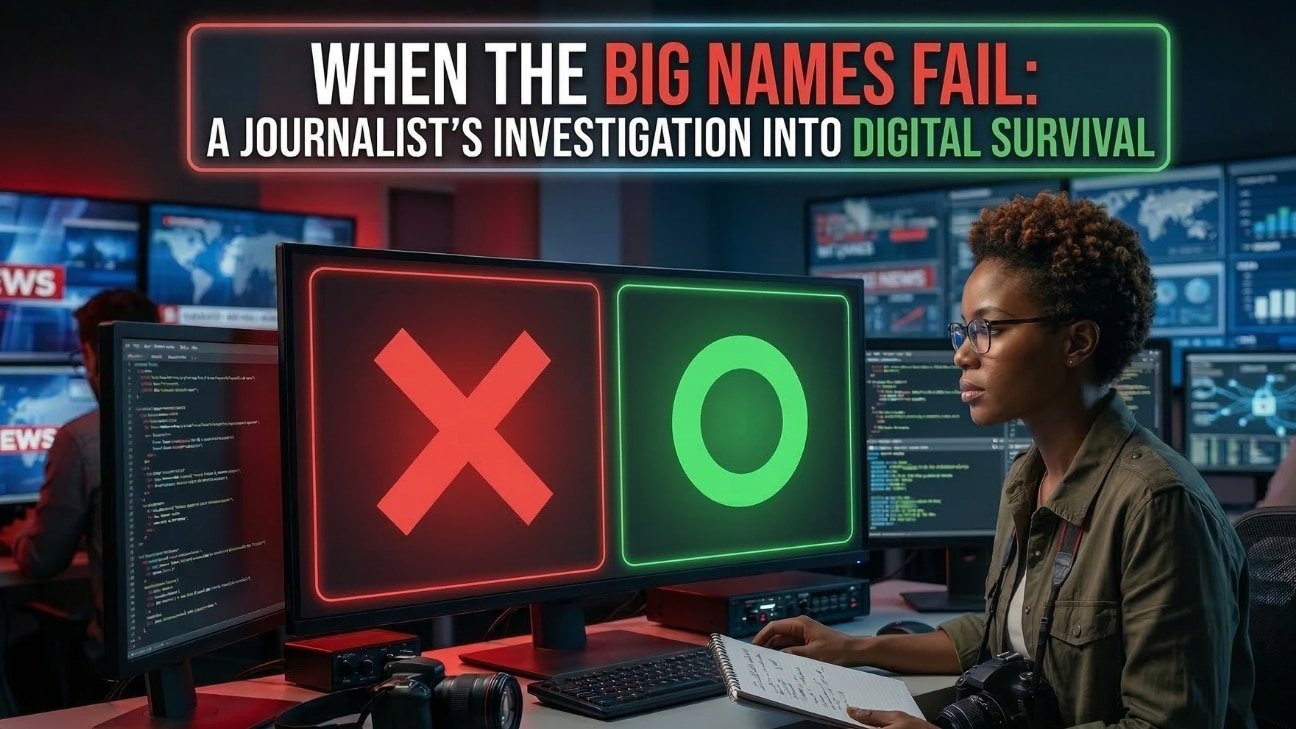
DIGITAL SECURITY | CREATOR SERIES
Calling all creators to check your website’s security!
A journalist and producer’s first-person account of surviving a cyberattack — and what every small creator needs to know before it happens to them.
I am a journalist, communications professional, and producer. I have covered breaking stories, managed complex productions, and navigated high-stakes communications for some of the biggest organizations in government. I know how to stay calm when things fall apart.
But nothing prepared me for the morning I discovered that my nonprofit’s website had been completely taken over by hackers.
This isn’t a story about tech. It’s a story about trust, betrayal, and what it really means to protect the mission you’ve spent years building.
The Who: A Small Nonprofit, a Loyal Customer, and a Company That Knew Better
My nonprofit has been operating for years, doing the kind of work that doesn’t make headlines but changes lives — reducing health disparities in underserved communities, building health literacy, and showing up for people who don’t always have someone showing up for them.
Our website wasn’t flashy. But it was ours. It told our story, connected us to donors, and served as the front door to everything we do. I had built it carefully over time using WordPress, a well-known theme, and a hosting company I had been with since the days they offered .99 domains and nothing else. I’m talking about GoDaddy. And I stayed with them out of loyalty — the kind of loyalty that only makes sense when you’re a small organization trying to stretch every dollar.
In the two months before everything fell apart, my site crashed. Twice. Both times, a friend called me before I even noticed — “Hey, your site is down.” Both times, I called GoDaddy support. And both times, I got the same answer: they could run a scan to see what was happening, but solving the problem wasn’t included in my plan. If I wanted their team of developers to look at it, that would be $99, which would last me for 30 days. I’d done that twice before. They never mentioned that I’d been hacked.
This time, they just took my site back to the last functional version, told me to update my plugins, and sent me on my way. They seem to really love the “99” number over at GoDaddy.
Folks warned me months prior that it was time to graduate to a better platform. On February 11th, I had finally had enough. I left GoDaddy and migrated to a managed cloud hosting provider that I believed would actually stand behind me. What I didn’t know — what I couldn’t have known — was that it was already too late. My site had already been compromised. GoDaddy never warned me. I was packing up and moving out of a house that was already on fire.
The What: A 9.8 Out of 10. A Silent Attack.
On February 13th, I discovered that my site had been completely compromised. It wasn’t just defaced. It was weaponized. The hackers had turned my nonprofit’s website into a platform for casino spam pages, using it as a tool for their own gain.
The culprit was a critical vulnerability in the WordPress theme I was using — one with a severity score of 9.8 out of 10. A near-perfect score for destruction. The theme developer had known about this vulnerability for months before releasing a patch. I was never warned. I was never notified. I found out the hard way. It was the Alone theme. If you are using that theme or any theme, make sure you are updating it often.
By the time I discovered the breach, my site had absorbed over 2.29 million bot attacks. I had to wipe everything and start over from scratch.
I went to the theme’s support forum and posted the truth — raw and unfiltered — because as a journalist, that’s what I do. Their public response was to tell me to update to the latest version. Honey, I was done with anything to do with that theme! Update? I think TF not! My reply cited the hack date, the 2.29 million attacks, and the fact that their patch had come out nine months after the vulnerability was first disclosed. The truth belongs in the record.
The Where: The Lonely Maze of Digital Security
When the attack hit, I quickly learned that “where” you get help matters enormously. My original host — one of the big-name, big-commercial providers — treated me like a ticket number. I needed a partner. I found one in a managed cloud hosting provider that specializes in performance and security. They didn’t just fix the problem. They explained it. They stood with me. They have 24/7 chat, which I hope they NEVER get rid of.
I also moved my domains to Cloudflare — enterprise-grade protection that now shields my domain from attacks before they ever reach my server. I know I know. We all remember the day they crashed and allll things were down! LOL. But I still feel secure, so far. However, here’s the honest truth about Cloudflare: it’s a fortress with no help at the gate. There’s no customer service line to call or chat to enter when you’re trying to figure out an MX record at 2 a.m. or if you’re under an active attack – unless you are an enterprise client or pay $200 per month. LOL. You learn the controls yourself, or you find someone who can help you navigate. In my case the someone was Gemini. Oh and Claude.
In real time — during an active attack — I watched my Cloudflare dashboard block 878,000 requests in a single day. I watched bots from over 35 countries hammer a URL that no longer existed. I watched the logs fill up with automated scripts rewriting themselves every time I added a new block. They were thirsty. And they were organized.
The Why: Because Your Website Is Your Reputation
Here’s what the tech people don’t tell you: for a small nonprofit or a solo creator, a hacked website isn’t just a technical problem. Every day your site is down, or every minute casino spam sits on your domain, it is compromised.
I made the hardest decision of this entire ordeal: I walked away from the domain I had built my organization around. I registered a brand new one. I built everything from scratch — again — this time with security baked in from day one. No redirect. No forwarding address. The hackers don’t get to know where we went.
That’s the why. Because your mission or company is too important to hand over to a vulnerability you didn’t know existed.
5 Security Tips Every Small Creator Needs Right Now
You don’t need to be a tech expert. You need to ask the right questions and make the right choices before the bots find you. Here’s where to start:
1. Choose a Host That Takes Security Personally
Don’t choose a hosting company because you saw their Super Bowl commercial. Choose one that can answer this question without hesitating: “If my site gets hacked today, what is your specific protocol to get me back online?” Look for managed hosting providers that offer built-in malware scanning, server-level firewalls, automatic backups, and a real support team that knows your setup. When the crisis hits, you need a rescue team — not a ticket queue.
2. Enable Your WAF and DDoS Protection NOW — Or Before You Launch
A Web Application Firewall (WAF) and DDoS protection are not optional extras. They are the difference between absorbing 2.29 million attacks and having your server crash under the weight of them. Don’t wait until you’re under attack. Do it before anyone knows you exist.
3. If You’re Using WordPress, Your Security Stack Is Non-Negotiable
WordPress powers over 40% of the internet, which makes it the most targeted platform on earth. That doesn’t mean you shouldn’t use it — it means you have to be serious about your internal guards. Install a reputable security plugin with active malware scanning and login monitoring. Enable two-factor authentication. Set strong, unique passwords. And this one cannot be stressed enough: keep your themes and plugins updated. The vulnerability that destroyed my site had been known for months before a patch was released. By the time I found out, it was too late.
4. Your Domain and Email Are Two Different Things — Protect Both
Many creators don’t realize that their website and their email can be — and should be — managed separately. If your website gets compromised, you do not want your email going down with it. Register your domain through a provider that offers strong security defaults, not just the cheapest price. Your domain name is your identity. Treat it accordingly.
Top 5 Hosting Companies That Emphasize Security
1. Cloudways
Managed cloud hosting that works with built-in server hardening, automatic backups, and a support team that will actually stand with you during a crisis. When my site was under active attack, they were on chat with me in real time watching the logs together. They stood with me until it was over and kept reminding me, “we are here for you” every few minutes. Their chat is 24/7.
2. Kinsta
Google Cloud infrastructure with enterprise-level security, automatic daily backups, and a security guarantee that includes free hack fixes. Fast, reliable, and serious about protection.
3. SiteGround
Proactive security measures, daily backups, and responsive support for small businesses, nonprofits, and independent creators.
4. Flywheel
Built for designers and creative professionals. Managed hosting with strong security defaults, free SSL, nightly backups, and a clean interface that doesn’t require a computer science degree to navigate.
5. DigitalOcean
Developer-friendly cloud infrastructure with strong security controls and flexibility. A go-to for creators who want more control over their environment without sacrificing reliability.
3 Hosting Companies I Would Not Recommend — And Why
This is the section nobody likes to write. I believe in telling the full story — including the part where I learned the hard way that not all hosting companies are on your side.
1. GoDaddy
When my site crashed — twice — in the months before I figured out, I was hacked, their answer was consistent: it’s not our problem unless you pay $99 for a 30-day developer support window. No proactive monitoring. No security alerts. No partnership. When my site was already compromised and I needed a rescue team, I got a price tag instead. GoDaddy is built for volume. Their business model is designed to upsell you on things that should have been included from the start. Save your loyalty for companies that earn it. What I didn’t know while loyally paying those $99 fees is that GoDaddy had been breached multiple times between 2019 and 2023 by the same sophisticated threat actor group — exposing over 1.2 million customers, stolen source code, and malware that redirected customer websites to malicious domains. In May 2025, the FTC finalized an order against them for ‘lax data security,’ specifically noting they had marketed ‘award-winning security’ while failing to implement basic protections like multi-factor authentication for their own administrators. They were selling a security story they weren’t living themselves.
2. Hostinger
Hostinger is hard to ignore at first glance — the pricing is among the lowest in the industry and the performance reviews are generally solid. But before you sign up, know the history. In 2019, Hostinger suffered a data breach that exposed the data of roughly 14 million customers, including usernames, emails, and passwords that were protected with SHA-1 encryption — a standard widely considered weak even at that time. They have since upgraded their security practices, and to their credit, financial data was not compromised. However, for a creator whose audience and community data lives on that server, that history matters. Additionally, if you were drawn in by mentions of ‘dedicated servers’ as I almost was — know that Hostinger does not offer true bare-metal dedicated servers. What they sell is VPS hosting on shared hardware. It performs well, but it is not the clean dedicated environment the marketing can imply.
3. Bluehost / HostGator
Both are owned by the same parent company and share the same playbook: heavy marketing toward beginners, security features sold as add-ons that should be standard, slow support response times, and shared hosting environments where your site sits alongside thousands of others — meaning someone else’s vulnerability can become your problem. They are built for acquisition, not retention. Once you’re in, you’re largely on your own.
Top 5 Domain Registrars That Take Security Seriously
1. Cloudflare Registrar
At-cost domain pricing with no upsells, plus the strongest proxy and DDoS protection available.
2. Porkbun
Clean interface, honest pricing, and solid security defaults. A favorite among developers and independent creators who want no-nonsense domain management.
3. Gandi.net
Built on a foundation of ethics and reliability. A go-to for journalists, nonprofits, and professionals who value transparency and uptime over marketing gimmicks.
4. Namecheap
Affordable and consistent, with WhoisGuard privacy protection included free. A solid choice for creators managing multiple domains on a budget.
5. Google Domains (now Squarespace Domains)
Simple, secure, and integrates cleanly with Google Workspace. A straightforward option for creators already in the Google ecosystem.
The Bottom Line
I rebuilt. I came back stronger, smarter, and with a security stack I understand and trust. The mission didn’t die because the website went down. But I’m not going to pretend it didn’t cost me — in time, in stress, in sleepless nights watching attack logs fill up in real time.
If you’re a creator, a producer, a nonprofit leader, or anyone running a small site with a big purpose — please don’t wait for the 2 a.m. moment when you realize something is wrong. Build your digital house like you’d build your physical one: foundation first, locks on every door, and someone you trust holding a key.
The bots are out there. They are organized, they are automated, and they are not going to stop. But neither are we.
 Tonya
Tonya  Tonya C.